Workflow · 18+
Before the first panel.
Begin with the smallest version of the story that still has a clear change. A short plan gives you something concrete to review before you spend coins or share a draft.
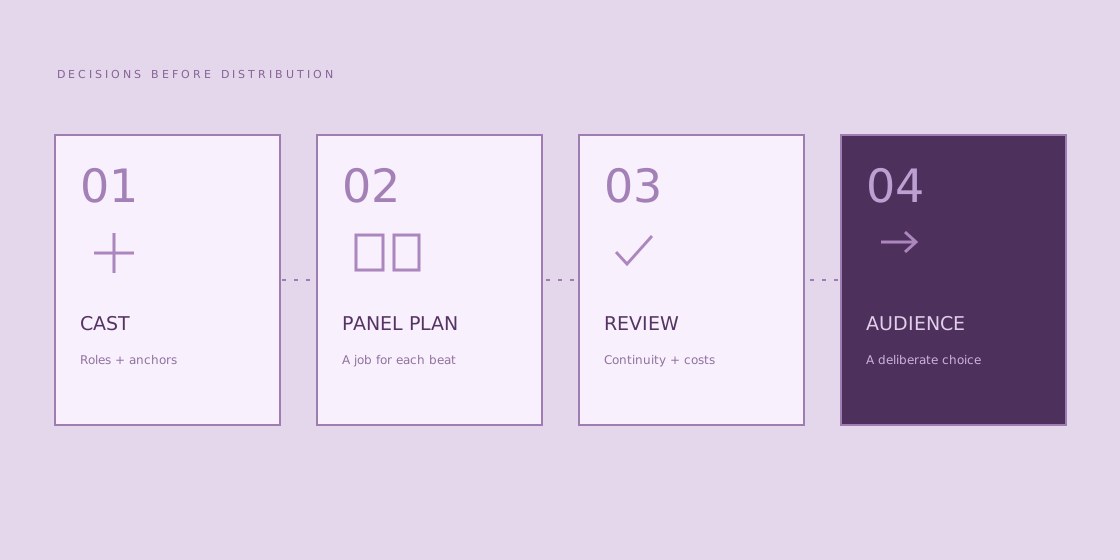
01 Start with the cast
Comic Studio’s public description supports a maximum of three characters. Decide which roles actually need to appear. A courier, a station attendant and the owner of a misplaced case are enough for a complete small mystery; background crowds do not need to become named cast members.
For each fictional adult, note a role, a visual anchor and a reason to act. Keep the notes specific enough to check later: a dark coat, a square bag and a silver clasp are easier to track than “looks interesting.” These are planning choices for your own story, not claims about guaranteed generation controls.
New character model sheets are a separate setup step. An observed 20 DreamCoins charge applies to each new sheet, with reuse available for an existing sheet. Read the current confirmation before accepting a charge.
02 Give each panel a job
The product description includes planning pages and panels. Before generating artwork, make a list of the information each panel contributes. A panel can establish a place, reveal a clue, show a decision or resolve the action. If two consecutive panels add the same information, consider combining them.
Our four-panel study uses a luggage mix-up. It establishes the wrong case, reveals an identifying tag, shows a return and closes on the correct owner. You can use the same structure for an adventure or a quiet discovery without turning every scene into four equal boxes.
Study the four-panel example03 Read the review points
Check visual continuity as a sequence, not only as separate attractive pictures. Is the case in the same hand? Does the tag remain on the same handle? Can a reader follow which person is speaking? Keep the answers in the worksheet so that a revision has a clear purpose.
A page-to-short-film feature is advertised publicly. That is a separate output decision. Its availability, charge and result quality are not established by the feature description, so do not budget it as included or assume that a comic automatically produces a finished video.
04 Choose the audience last
A shared draft link and a Community publication are separate actions. Review the draft, the material you used and your intended audience before choosing either. A saved plan does not publish anything, and the tools on this notebook never change a Comic Studio project.